
What Is a Court Docket in Yakima County
A docket is a dated list of the events in a single case. Each line marks a filing, a motion, an order, a hearing, or a disposition. Read top to bottom, a Yakima County court docket shows the case from start to finish. It tells you who filed what, when the judge ruled, and how the matter ended. The docket is the index. The full case file holds the actual documents behind each line.
This split matters when you search. A docket entry might read "Motion to Continue" or "Order Entered," but the docket alone does not always include the document text. For the words of a ruling, you open the full record or order a copy. The docket answers the timeline questions. The file answers the content questions. See Yakima County court records for the full-file side.
Each Yakima court level keeps its own dockets. Superior Court docket data flows through the Odyssey Portal. District and municipal court calendar dates flow through Find My Court Date. The statewide case search ties them together as one index. Superior Court handles the heavier matters here, such as felonies, large civil suits, family law, and probate. District Court handles infractions, misdemeanors, gross misdemeanors, small claims, and protection orders. So a docket from one court can look quite different from a docket in the other, even though both list events in date order.
How to Find Yakima County Dockets Online
The fastest route to a docket depends on the court. For Superior Court, the Odyssey Portal carries the most current docket and event data. For a future district or municipal court date, Find My Court Date pulls live calendar data. The statewide Washington Courts case search gives a broad index across all court levels but updates only once a day. Start with the tool that matches your court, then confirm details with the clerk if anything looks off or out of date.
- Open the statewide Washington Courts case search and accept the terms.
- Pick the court level, such as Superior or District and Municipal.
- Enter a party name or a case number and run the search.
- Click the case number to open the docket and event list.
- For a future district or municipal date, use Find My Court Date and pick the Yakima court.
Odyssey groups a case into Case information, Party, Disposition Events, and Events and Hearings. The Events and Hearings section is the docket itself, listed in date order. Find My Court Date queries the same live database court staff use, so it can run slow during peak hours from 7:00 AM to 6:00 PM. The statewide case search refreshes once a day at 3:00 AM, so a same-day filing may not show until the next morning.
Note: Odyssey shows only the first 200 results, so add a first name, a case type, or a date range to narrow a common-name docket search.
Sample Yakima County Docket Entry
A docket entry packs a lot into one line. It usually carries a date, a short event label, the party or attorney behind it, and sometimes a link to the document. Some entries also note the courtroom and the judicial officer when a hearing is set. The fields below show what a typical Yakima County court docket line includes once you open a case.
| Field | What It Shows |
|---|---|
| Entry Date | The date the event was filed or held. |
| Event Type | The action, such as a motion, order, hearing, or disposition. |
| Party Filing | Who filed the document or asked for the action. |
| Hearing Details | Date, time, courtroom, and judicial officer when a hearing is set. |
| Document Link | A link to the filing where the court has posted it. |
Events and Hearings can be searched by county, hearing type, case number, party name, business name, attorney name, attorney bar number, judicial officer, courtroom, and date range. Hearing types include Civil, Criminal, Family, and Probate or Mental Health. The Disposition Events section then records how each charge or claim closed. Together those two sections form the heart of the docket.
Courts That Publish Dockets in Yakima County
Washington courts run in a set order, and each level keeps its own dockets. Yakima County Superior Court is the general trial court for felonies, large civil suits, family law, and probate. District Court and the city municipal courts handle the lower-level matters. Appeals move up to Court of Appeals Division III in Spokane, then to the Washington Supreme Court. The statewide search indexes dockets from every level, while Odyssey and Find My Court Date dig into the local ones.
- Yakima County Superior Court - felony, civil, family, probate, and juvenile dockets through Odyssey.
- Yakima County District Court - infractions, misdemeanors, and small-claims calendar dates through Find My Court Date.
- City Municipal Courts - Granger, Moxee, Selah, Sunnyside, Toppenish, Union Gap, Wapato, Yakima, and Zillah calendar dates.
- Court of Appeals Division III - appellate dockets from lower-court cases.
- Washington Supreme Court - the highest state court, with discretionary and direct review dockets.
The county lists the judges and terms for each level on its Courts and Judges page. For court-by-court contacts, see the Superior Court page.
Docket vs. Full Case Record
People often use "docket" and "case record" as if they mean the same thing. They do not. The docket is a list of events in order. The full case record is the stack of documents those events point to. A docket entry might say an order was entered. The full record holds the order itself. Knowing the difference saves you time and a wasted copy fee.
| Docket | Full Case Record | |
|---|---|---|
| Format | List of dated entries | Full documents and exhibits |
| Access | Often online and free | May require a fee or a visit |
| Use | Track case progress and dates | Read rulings, motions, and evidence |
| Source | Odyssey, Find My Court Date, case search | Clerk of Superior Court or the court file |
Some docket items will not show online even when the case is public. Sealed pleadings, confidential filings, and personal identifiers stay out of public view. Washington Courts also warns that its statewide search may not display every docket, judgment, or document link correctly, so a docket is a pointer, not the last word. Confirm anything important with the Clerk of Superior Court.
How to Read a Yakima County Docket
Dockets use shorthand that can throw a first-time reader. Knowing a few terms clears most of it up. The point of a docket is to track motion to order to disposition without reading every page.
- Motion
- A written request asking the court to make an order.
- Order
- A written direction or ruling from the court.
- Continuance
- A postponement of a hearing or deadline to a later date.
- Disposition
- The recorded outcome of a charge, claim, or motion.
- Bench warrant
- A warrant often issued after a failure to appear.
A disposition line tells you how a charge ended. A dismissal means it was dropped. A judgment means the court decided money or rights. A continuance pushes a date out. A dismissal with prejudice usually blocks refiling the same claim, while a dismissal without prejudice may allow it. Criminal dockets may also show an arraignment, a plea, a sentence, or a bench warrant after a missed hearing. Civil dockets often show motions, orders, writs of garnishment, and a final judgment. Family dockets track petitions, parenting plans, and support orders.
Watch the order of entries closely. A docket is read in time order, so the latest line near the bottom shows the current status. An older entry may be reversed or replaced by a later one. When the docket and the full file seem to disagree, the dated order in the file controls. For the criminal side of these entries, see arrest records, and for tickets and citations see traffic court records.
Federal Court Records and PACER Dockets
Not every case from Yakima County sits in a state court. Federal matters land in the U.S. District Court for the Eastern District of Washington. These dockets are not kept by the county or the county clerk. They live in the federal system instead, reached through PACER and CM/ECF. The Eastern District hears federal criminal cases, federal civil cases, civil rights matters, and federal-question disputes. Federal prosecutions there are handled by the U.S. Attorney's Office for the district.
You can learn about the district court itself on the U.S. District Court for the Eastern District of Washington site.
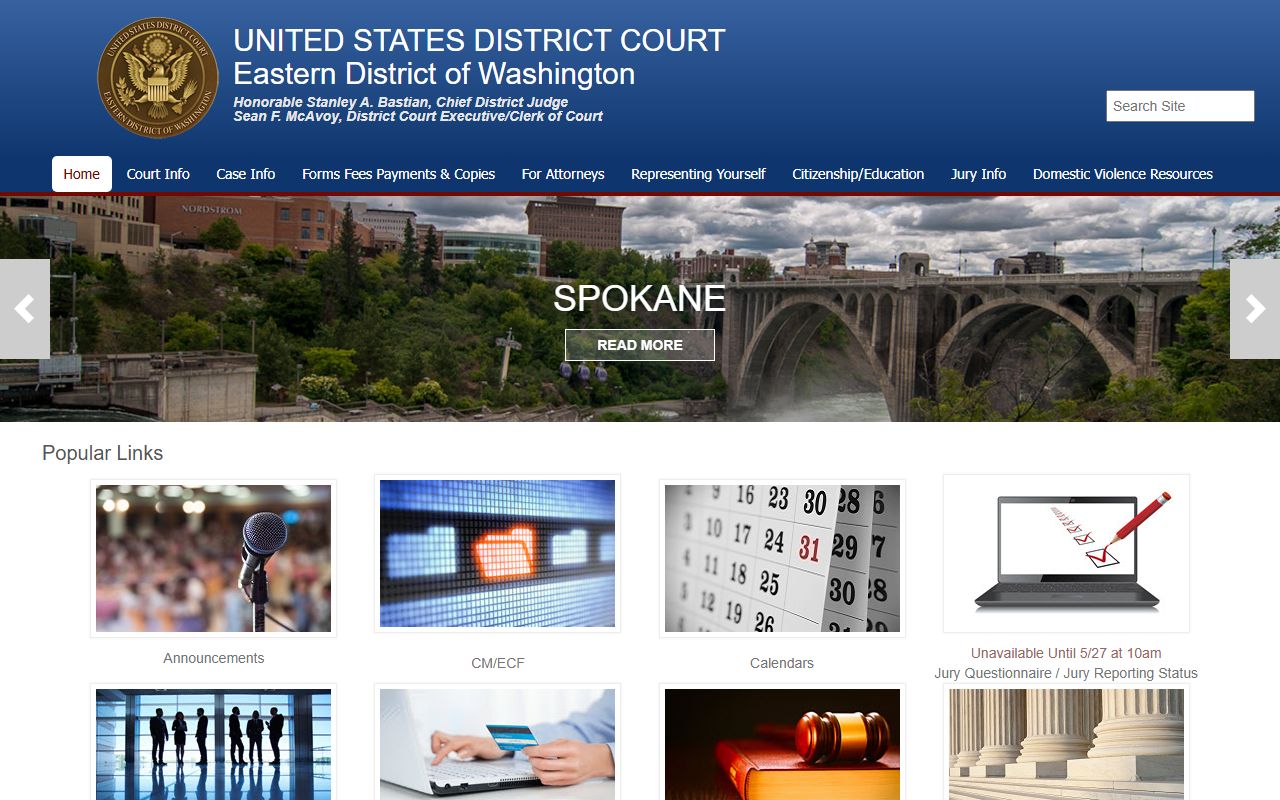
That site covers court locations, rules, and judges for the district that includes Yakima. The dockets behind it run on the CM/ECF platform.
CM/ECF is the federal electronic filing and docket system. You can reach the district's login on the Eastern District CM/ECF page.
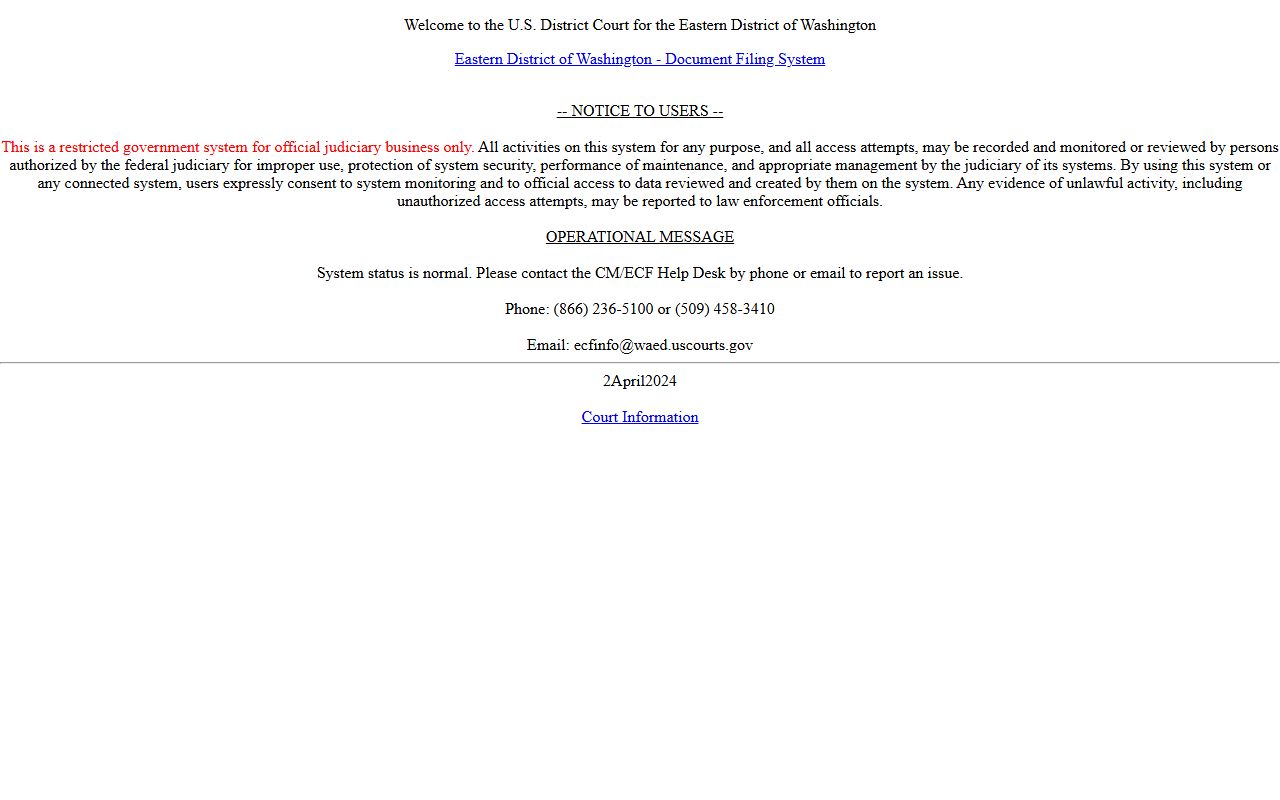
Public docket access normally flows through PACER rather than directly through CM/ECF. PACER is the national portal for federal case and docket data.
To search federal dockets across all U.S. courts, you register with PACER. Sign-up and search start on the PACER home page.
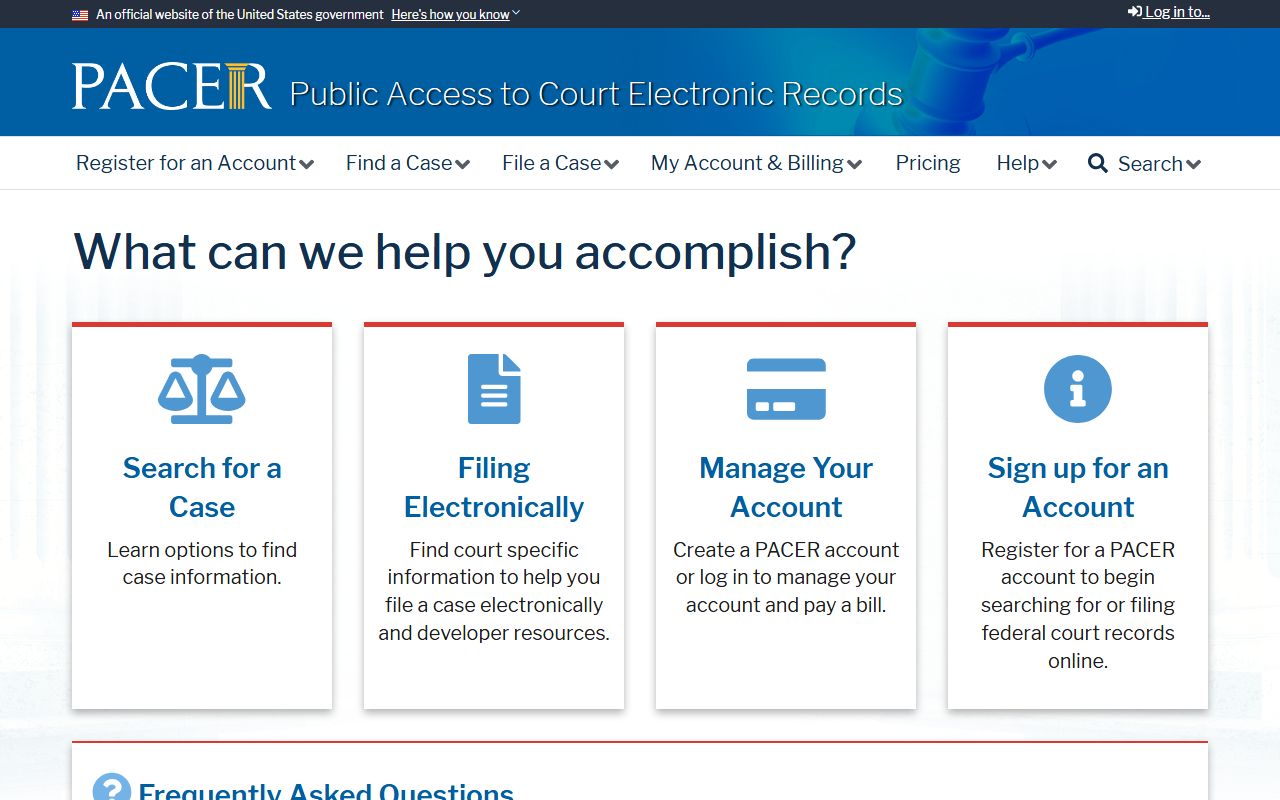
PACER may charge fees under the federal fee schedule, so a casual lookup is not always free. Bankruptcy cases are a separate track.
A bankruptcy filing from Yakima County goes to the U.S. Bankruptcy Court for the district, not Superior Court. Its records sit on the U.S. Bankruptcy Court, Eastern District of Washington site.
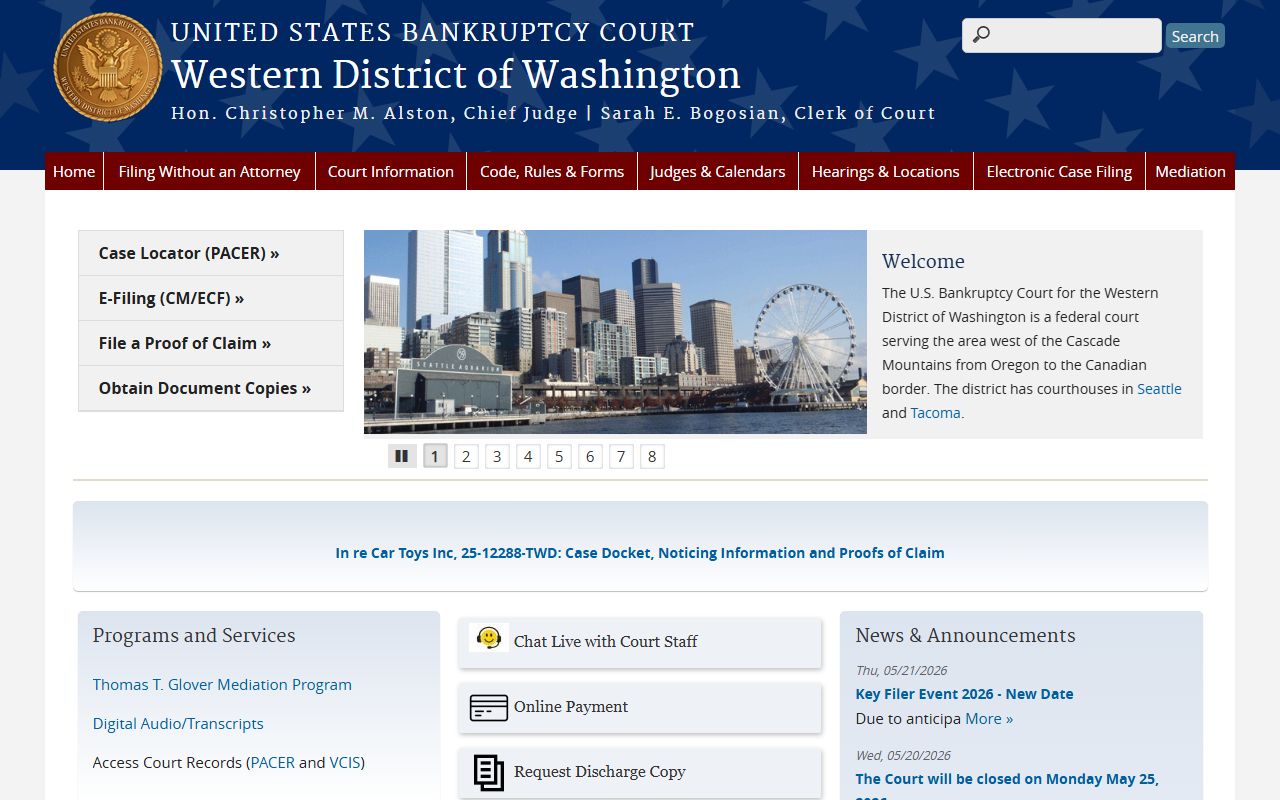
Bankruptcy dockets also run through PACER. Appeals from the district move one step higher.
An appeal from the Eastern District goes to the Ninth Circuit. You can view that court on the U.S. Court of Appeals for the Ninth Circuit site.
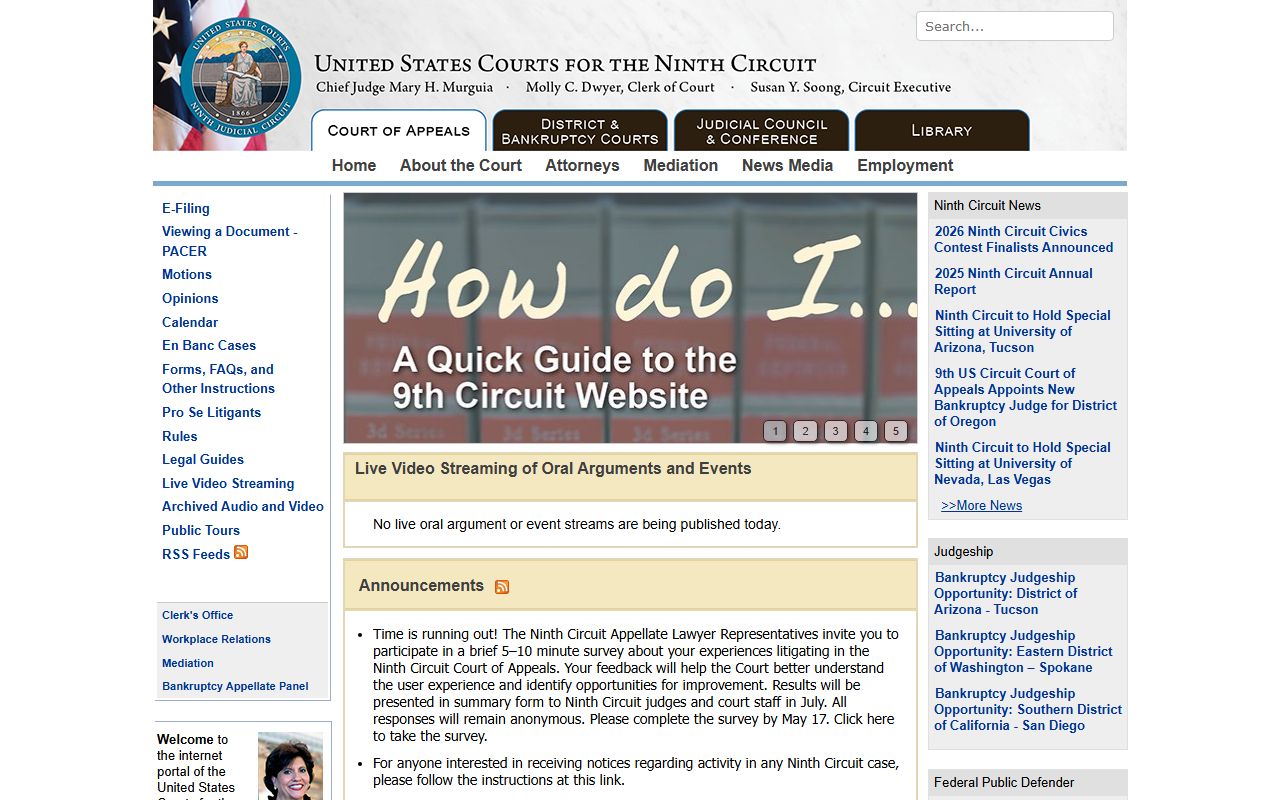
The Ninth Circuit posts its own dockets and opinions, again reachable through PACER for full case detail.